- DATE:
- AUTHOR:
- The SafetyChain Team

SCAR External Tasking
What’s New
Supplier Corrective Action Requests (SCAR) enters Limited Availability, bringing external collaboration directly into your CAPA workflows so quality teams can assign Corrective Action Tasks to suppliers, track responses, and maintain a complete evidence trail, all without leaving SafetyChain.
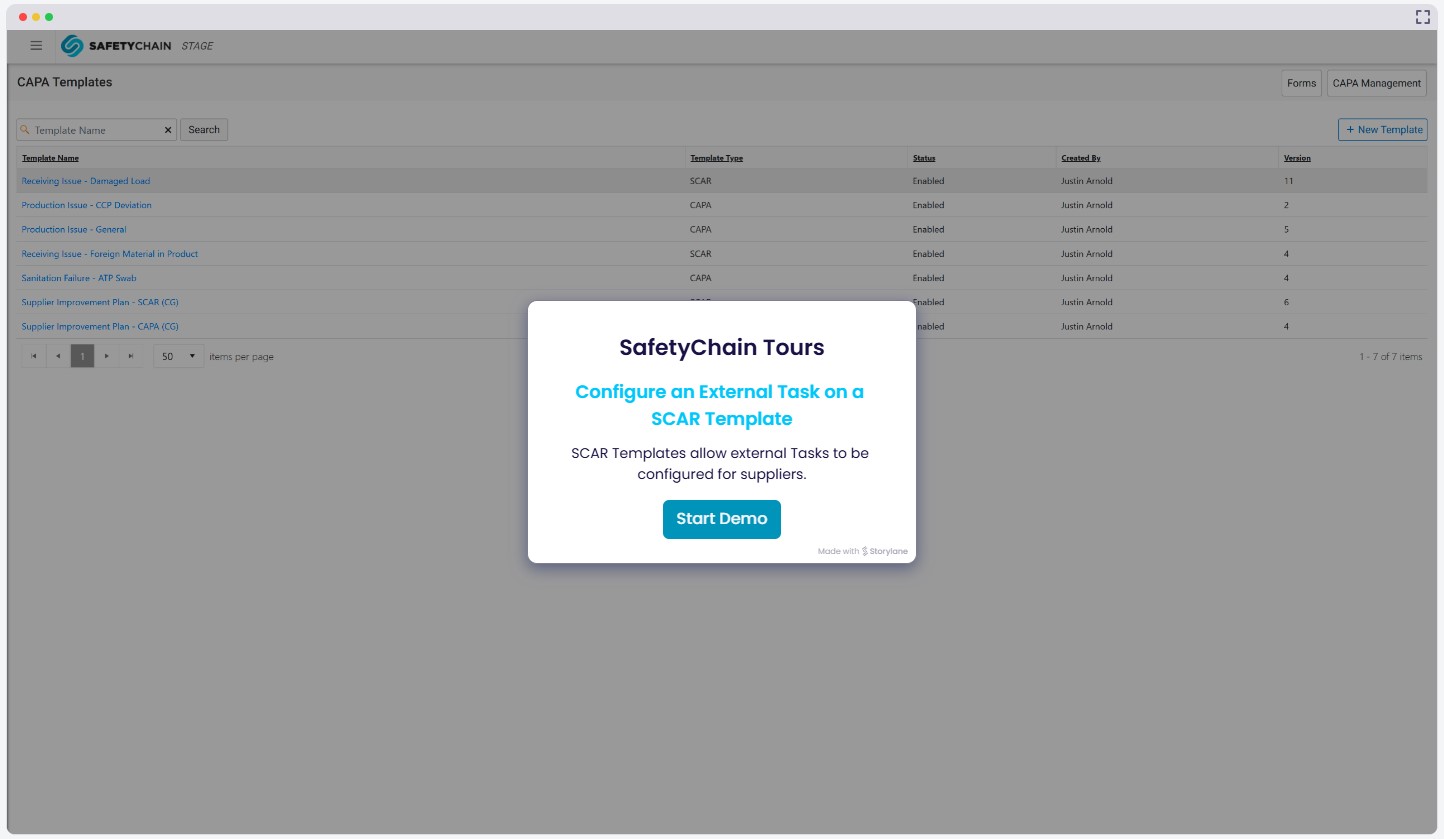
External Task Definition on CAPA Templates
When building a SCAR Template, users can now configure Step Forms for external (supplier) Tasks. Users can choose whether the Assignee of a Task is a Workgroup (internal Task) or a Supplier (external Task). Supplier-assigned Step Form definitions will result in a Task being distributed to the Supplier Portal when a SCAR is started. All external Tasks delivered to the Supplier Portal are Form Tasks configured with Questionnaire Forms.

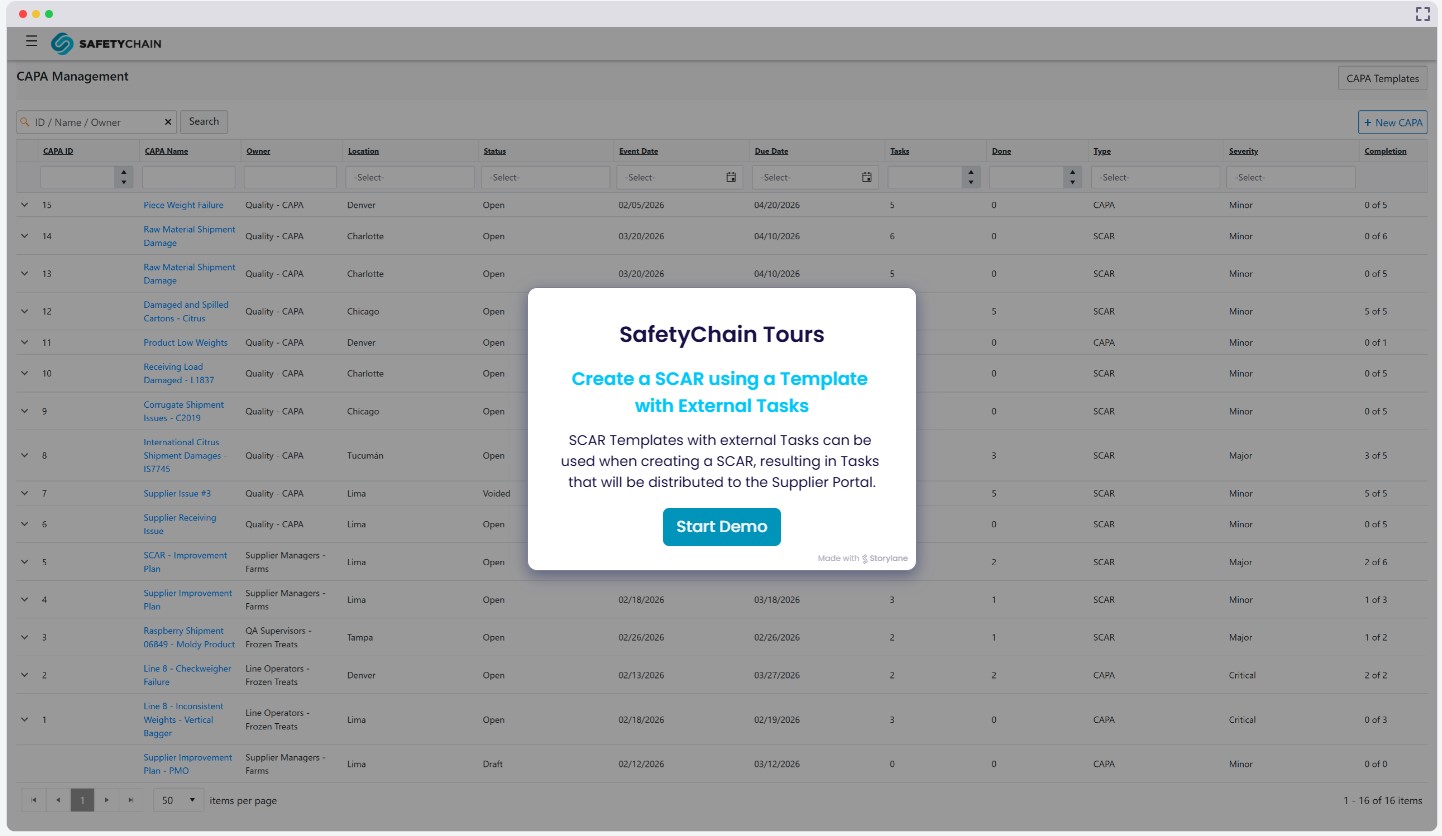
Automated External Tasks
During the SCAR creation process, the final step is to confirm all Tasks. Shown below is the Task confirmation screen including external Tasks that will be distributed to the Supplier Portal for the Supplier Resource selected on the SCAR. For all external Tasks, users will be required to select the Approval Workgroup and can add an optional Task Note. If a Task Note is provided, it will be displayed in the Supplier Portal with the Form Task.

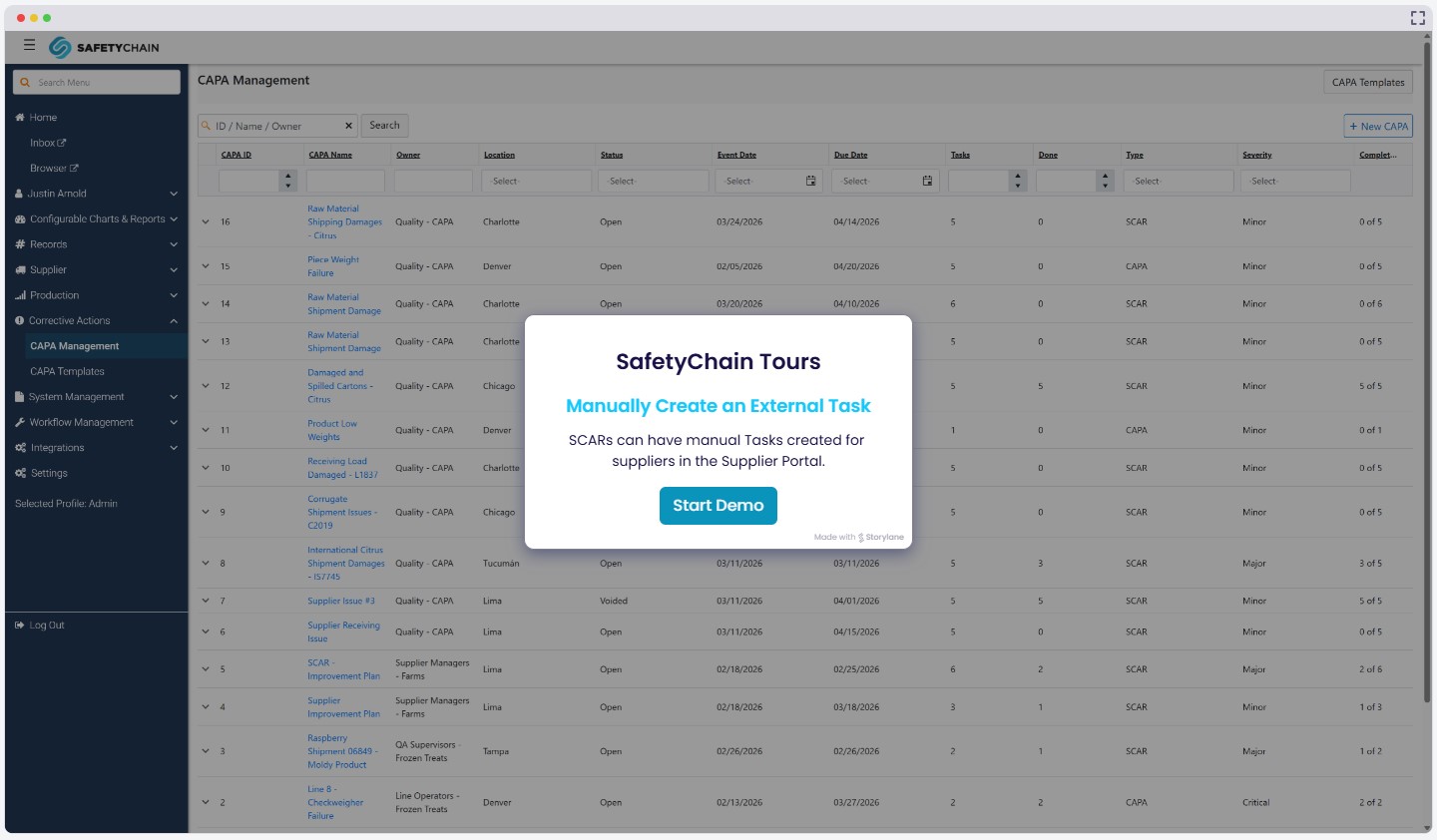
Manual External Tasks
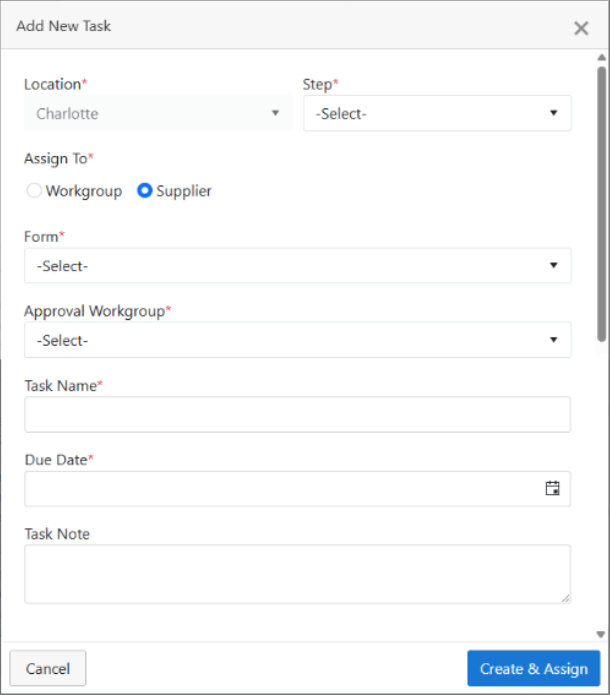
After a SCAR has been started, there are situations where new Tasks need to be sent to a supplier for ongoing SCAR activities. From the Tasks tab of the CAPA slide-out, users can now create ad hoc external Tasks. They must select the CAPA Step that the Task will belong to, choose the Form and Approval Workgroup, add a Task Name, and set the Due Date. Users can also include an optional Task Note that will be displayed in the Supplier Portal with the Task.
Supplier Portal Updates
Inbox
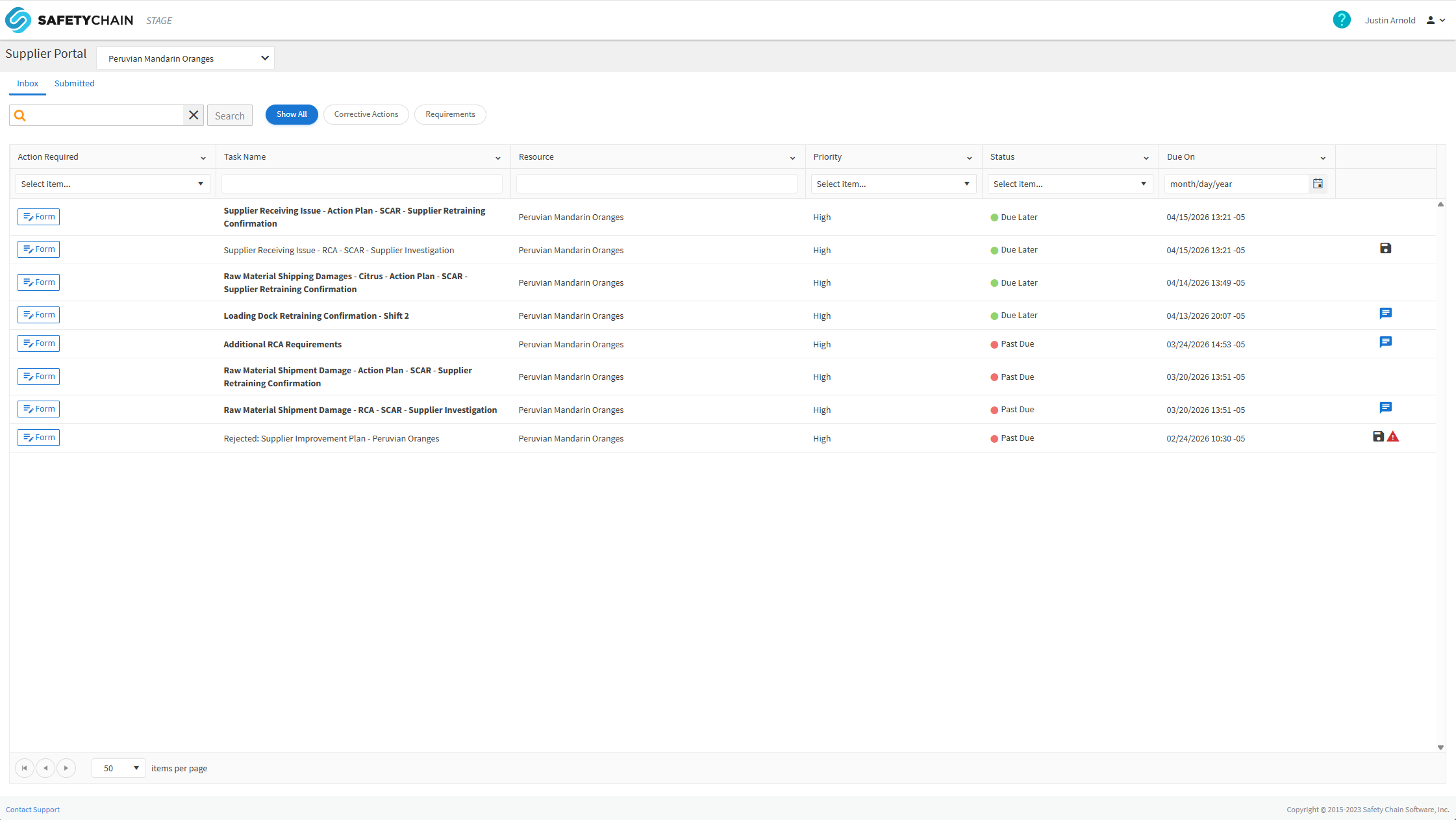
When SCAR external Tasks are enabled, the Supplier Portal > Inbox view changes to accommodate supplier Requirements and Corrective Actions (SCAR Tasks). To accommodate both types of task-oriented workflows, we have introduced the below changes.
Chip filters allow supplier users to filter the table view by all data, only Corrective Action Tasks, or only Requirements
Three column names have been updated:
Type → Action Required
Requirement Name → Task Name
Saved, Alerts, and Notes consolidated into a single column
Two new columns have been added:
Task Type (Corrective Action or Requirement)
Assigned On
Submitted Tab
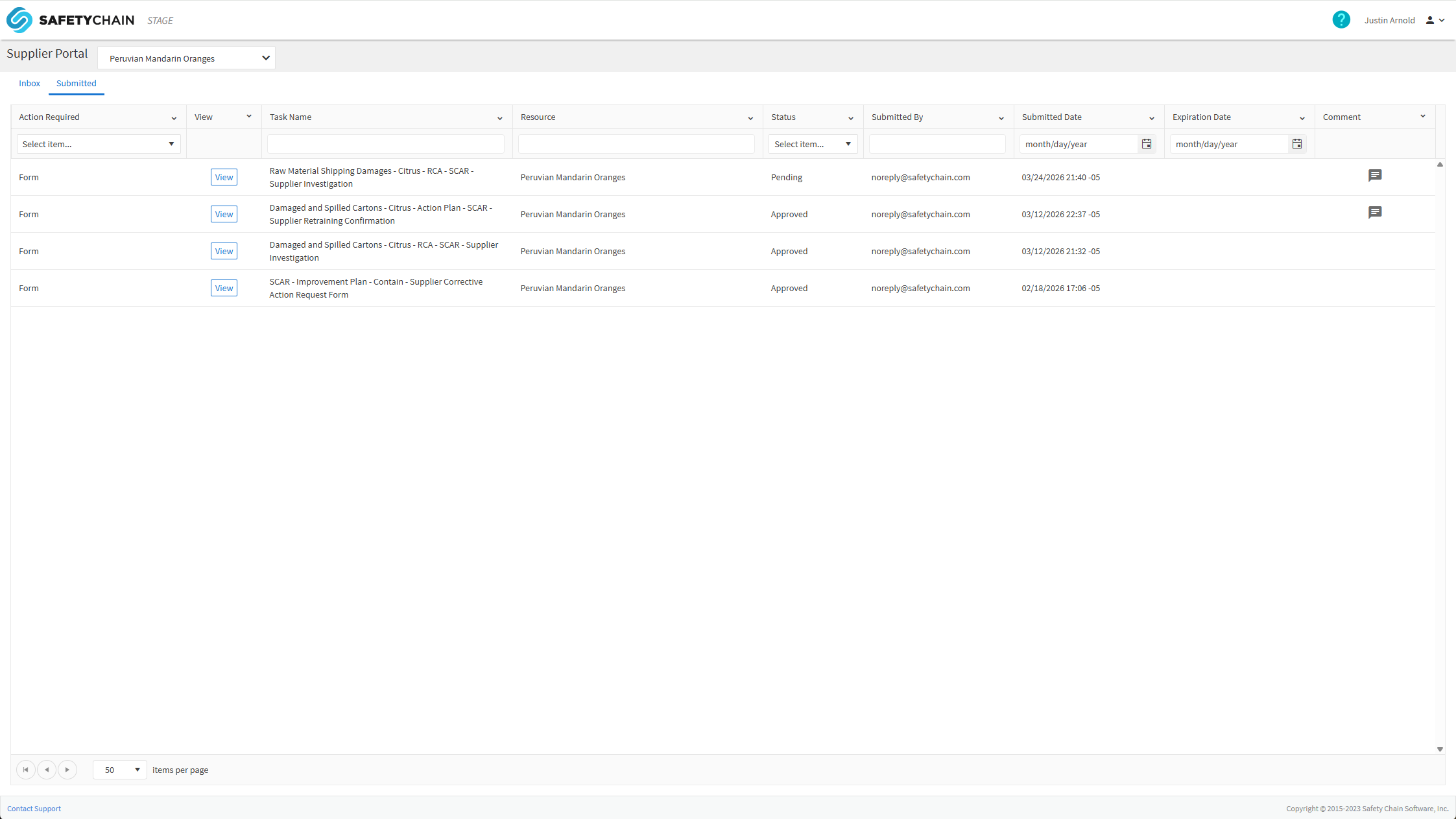
When SCAR external Tasks are enabled, the Supplier Portal > Submitted tab view changes to accommodate supplier Requirements and Corrective Actions (SCAR Tasks). To accommodate both types of submitted Tasks, we have introduced the below changes.
Two column names have been updated:
Type → Action Required
Requirement Name → Task Name
Approving and Rejecting Supplier Tasks
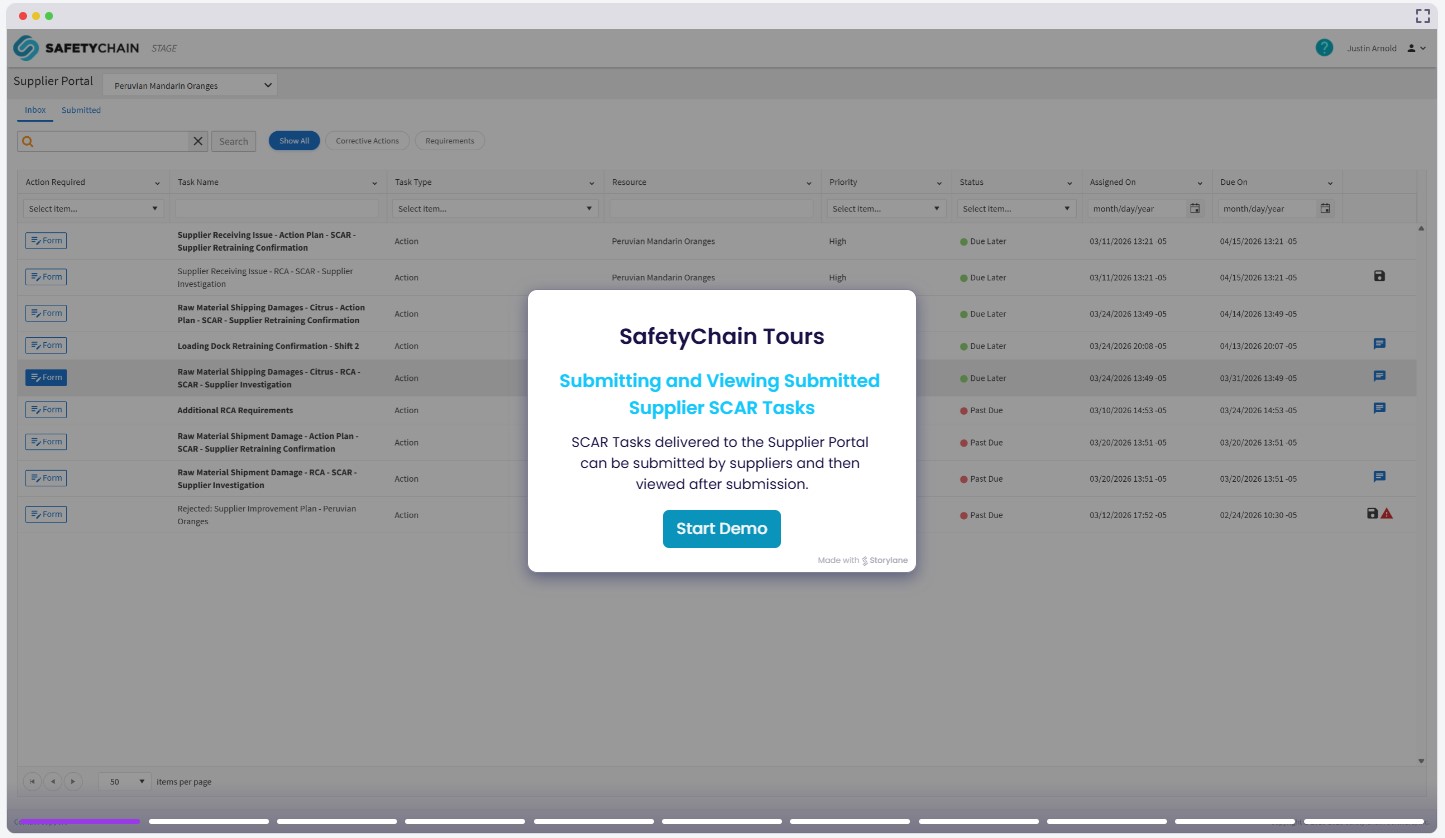
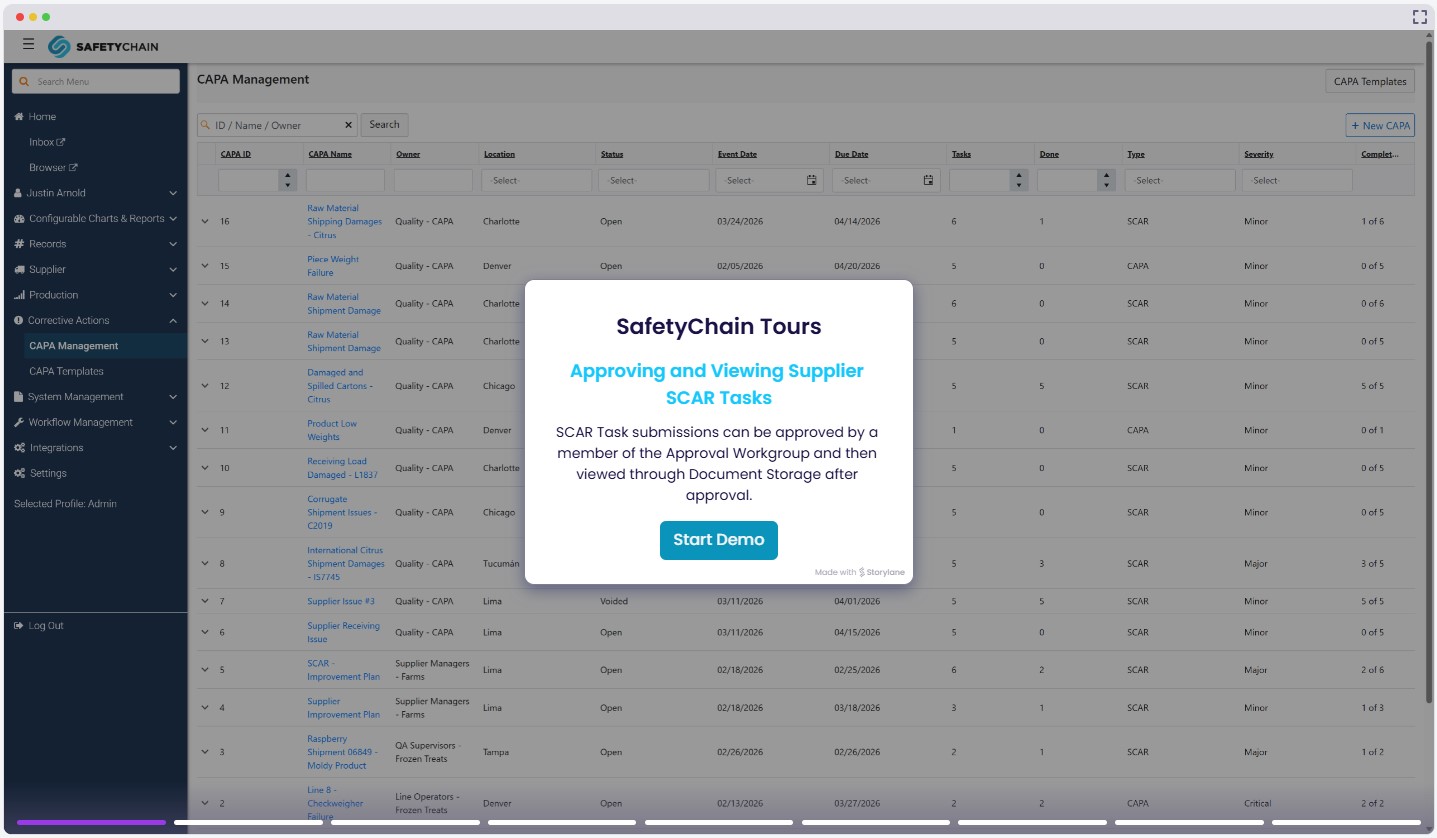
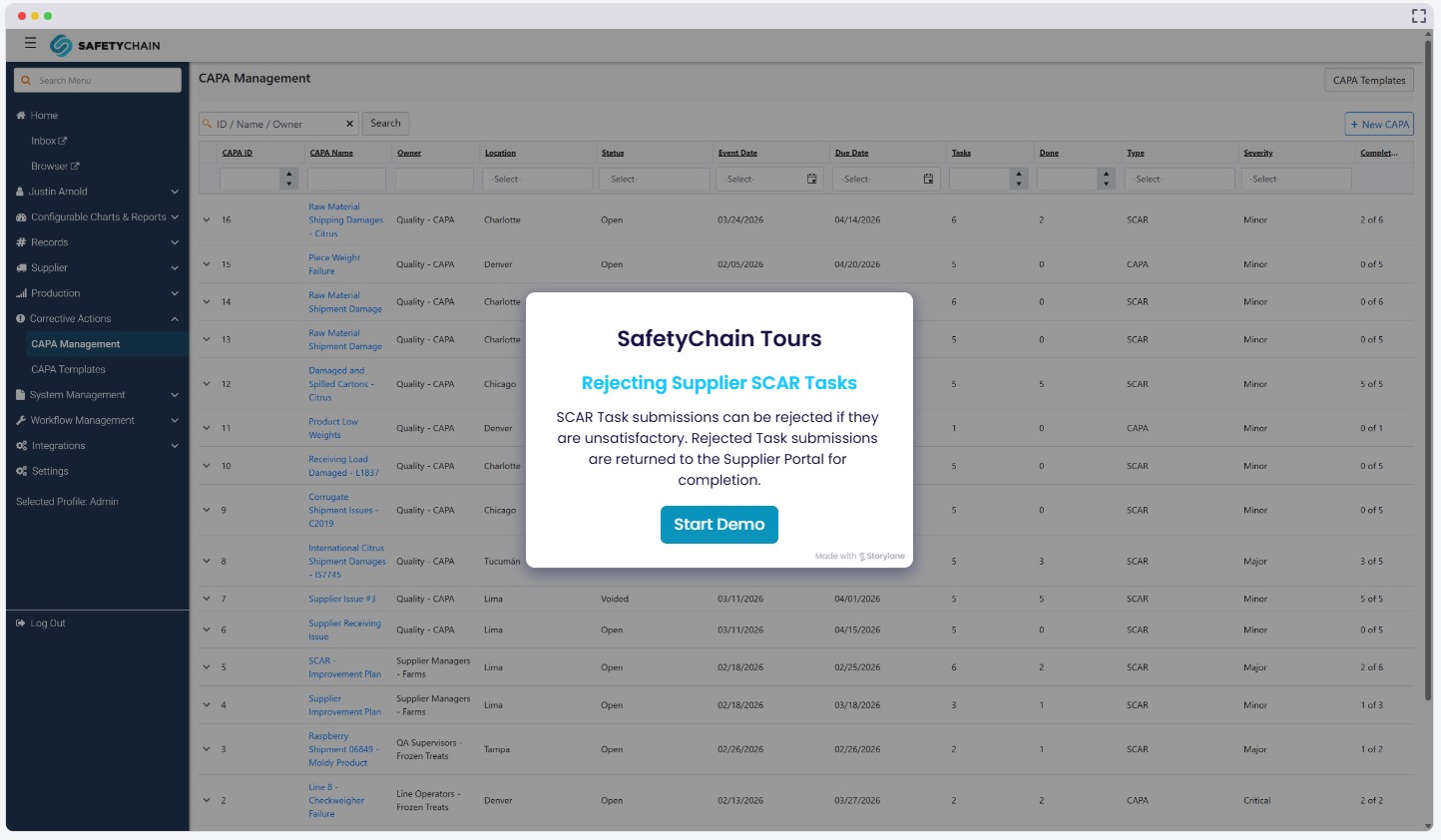
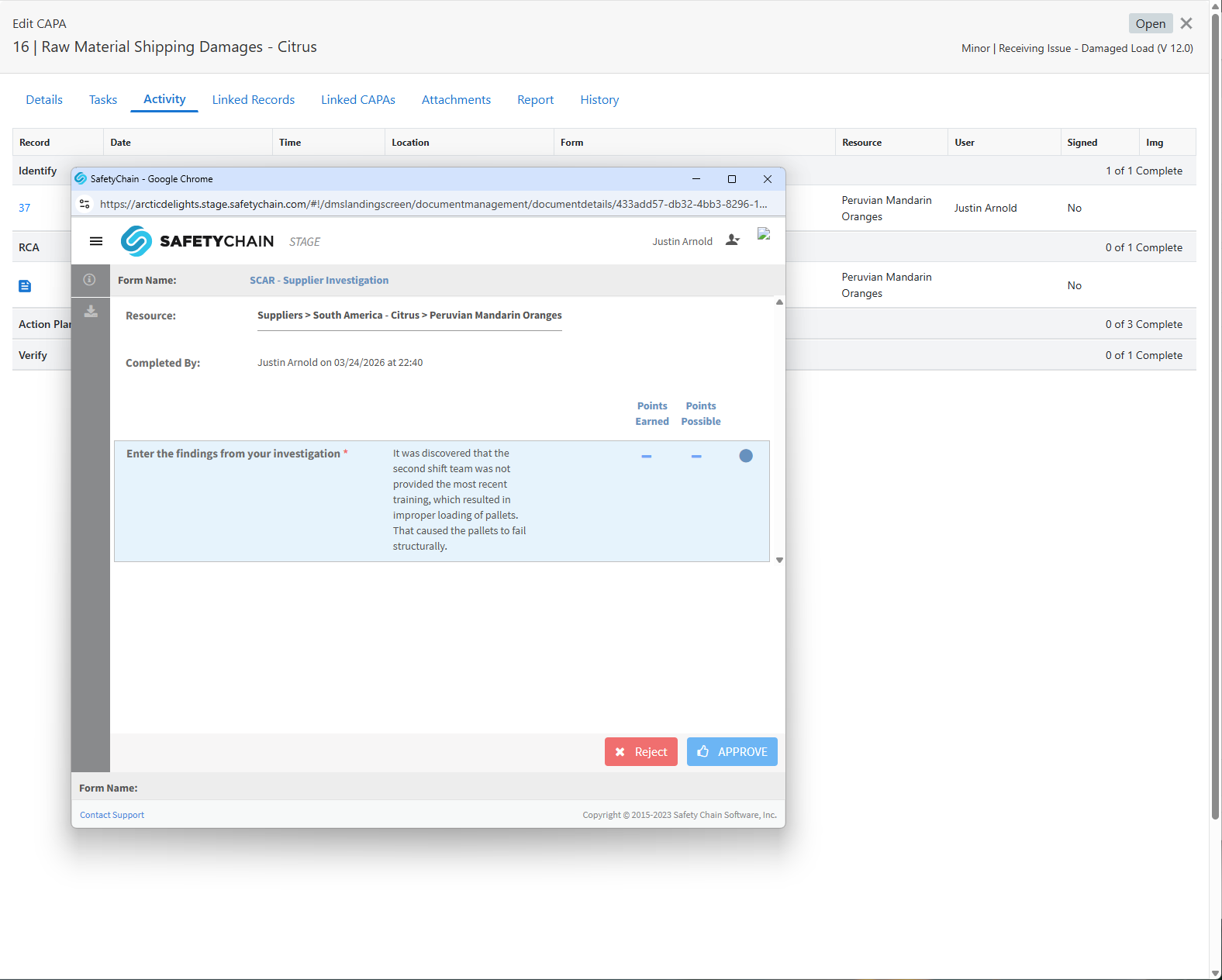
When a Corrective Action Task is completed by a supplier, the submission is available for approval or rejection by members of the designated Approval Workgroup. Corrective Action Task submissions can be reviewed in the SafetyChain inbox. This experience closely mirrors the existing supplier Requirements approval and rejection flow. We have extended the approval and rejection capabilities for Corrective Action Tasks right into the CAPA module. Now customers can access supplier submissions for these Tasks directly in the Activity tab of the CAPA slide-out. If a submission is rejected, the Task is returned to the Supplier Portal for resubmission. If the submission is approved, it is stored in Document Management and can be viewed there following approval.
Benefits
Supplier responsibilities are explicit and trackable — Tasks carry defined owners, due dates, and approval requirements, creating a structured corrective action process.
External Tasks are distributed directly to the Supplier Portal, eliminating email-based follow-up and manual coordination.
All supplier Task activity is captured within the CAPA record, maintaining a clear chain of evidence connected to the originating corrective action.
Approval and rejection workflows give internal quality teams a defined review step before any supplier submission is accepted into the record.
Approved submissions are stored in Document Management and maintained as part of the CAPA record, supporting audit readiness without extra effort.
Template-driven and ad hoc manual Tasks provide flexibility across different phases and scenarios within an active SCAR workflow.
Availability
SCAR (Limited Availability) requires a SafetyChain subscription that includes the Supplier package and a completed migration to Supplier Compliance 2.0. The customer must also be using CAPA Management in Limited Availability. Customers interested in enabling SCAR should contact their Customer Success Manager to request access.