- DATE:
- AUTHOR:
- The SafetyChain Team
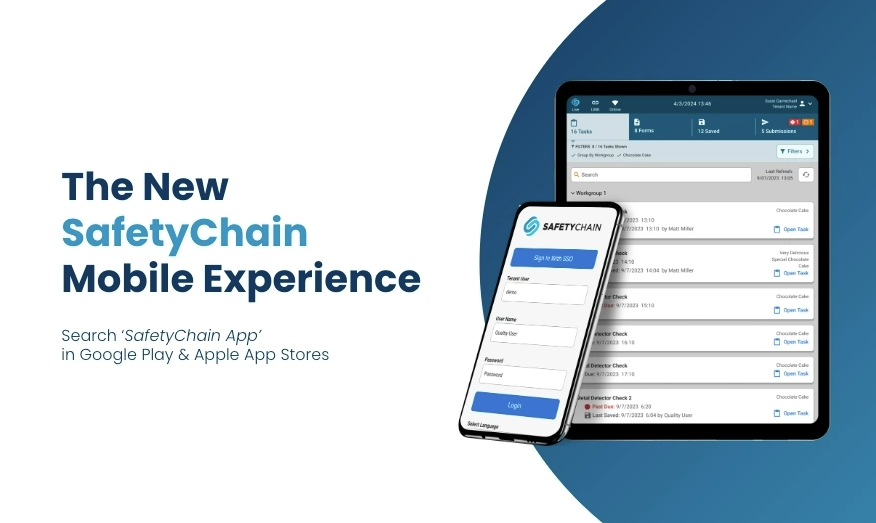
SafetyChain Now Available via Managed Google Play
We're pleased to announce that SafetyChain is now available as a Managed App through Google Play, bringing a significantly improved deployment experience for organizations using an MDM platform to manage Android devices.
What this means for your organization
Managed Google Play is the standard enterprise app distribution model on Android, and it comes with meaningful advantages over APK-based deployment:
Your IT administrator can approve SafetyChain once and silently push it to all enrolled devices — no APK file to manage or redistribute
App updates are delivered through Play, with your MDM admin retaining full control over timing. You can hold a specific version, set update windows to avoid disrupting workers mid-shift, or stage rollouts to a pilot group before pushing broadly
It's supported by all major MDM platforms including Intune, Jamf, SOTI, Workspace ONE, and others
Important: switching requires a fresh install
Before making the switch, please ensure the following is communicated to your end users:
Check for pending or failed submissions. All submissions on the device — regardless of status — will be cleared during a fresh install. Users should review their device for any pending or failed submissions that need to be reprocessed before the switch is initiated.
Saved forms are safe if synced. Saved forms that have been synced online will be retained. Ensure devices are online and have synced prior to rolling this out.
Re-enter your tenant name on first login. After reinstalling, users will need to re-enter their tenant name when prompted, then log in as usual.
We recommend a phased rollout — start with a small pilot group of devices, confirm everything is working as expected, then roll out at your own pace. Most MDM platforms support device group targeting natively, making this straightforward to manage.
How to get started
In your MDM platform, navigate to the Managed Google Play store
Search for SafetyChain and approve the app for your organization
Push the app to your first group of enrolled devices
Validate, then proceed with subsequent batches
A note on Google's upcoming enforcement
If you are currently deploying SafetyChain via APK, we strongly encourage making the switch to Managed Google Play sooner rather than later. Google is actively deprecating APK sideloading on certified Android devices — including APKs distributed via MDM — on the following timeline:
Right now: Devices running Android 16 with Advanced Protection enabled may already be unable to install sideloaded APKs with no option to override. If you are seeing installation failures on newer devices, this is the cause — and switching to Managed Google Play is the solution.
September 2026: Google begins formal enforcement. APK-based MDM installs will be blocked on certified Android devices.
2027 and beyond: Full global enforcement across all certified Android devices, regardless of OS version.
Are you affected?
This applies to organizations deploying SafetyChain on standard Android phones and tablets — devices that ship with Google Play, Gmail, and other Google apps (referred to as GMS-certified devices). This includes devices from manufacturers such as Samsung, Google Pixel, LG, Motorola, Sony, and others, as well as newer models from industrial manufacturers such as Zebra and Honeywell that include Google Play Services.
If your devices do not have Google Play installed — such as older Zebra and Honeywell industrial models — you are not affected and your current APK-based deployment will continue to be supported. If you are unsure, your IT administrator or MDM provider can confirm. A full list of GMS-certified devices is available at android.com/certified/partners.
Questions or need help?
Reach out to our support team at support@safetychain.com — we're happy to help ensure a smooth transition.