- DATE:
- AUTHOR:
- The SafetyChain Team

CAPA Management Is Now in Limited Availability
We’re excited to share an update many of you have been looking forward to: CAPA Management is now in Limited Availability! Corrective actions sit at the center of plant operations, shaping quality, compliance, accountability, and ultimately how smoothly a facility runs. Getting this right matters.
That’s why we approached this release with care, focusing on building something practical and dependable: a system that adds clarity to every step, reduces reliance on spreadsheets and manual data entry, and gives teams real visibility into what’s open, what’s blocked, and what’s resolved.
Many of you contributed along the way by participating in our Beta program, sharing your challenges, walking through workflows, and testing early concepts. Your feedback helped shape a solution that reflects how CAPA truly works on the plant floor and we are grateful for your partnership!
How Can You Get Started with CAPA?
Organizations that participated in the CAPA Beta earlier this year already have access in their Live environment.
Teams who did not participate can still request access. Because this is a Limited Availability release, we’re onboarding intentionally to ensure early adopters are set up for success.
To request access, contact your CSM. They’ll help determine whether your organization is ready to begin using CAPA. If you’re not sure who your CSM is, reach out to Support and they’ll connect you.
Learning Resources Ready to Use
We’ve prepared new Knowledge Base articles to walk you through setup and day-to-day use, which can be found here. We also invite you to click through this high-level product tour to give you a sense of how it works.
What’s Inside CAPA Management?
CAPA Management begins with Templates. These are the building blocks that define how corrective actions run in your facility. Once Templates are set, teams can initiate CAPAs using these consistent, structured processes with room for real-world flexibility.
Template Types: Your Starting Point
The system includes three default Template Types that represent common sources of corrective actions:
CAPA: Internal issues (sometimes referred to as NCARs or CARs)
CCAR: Customer-related issues
SCAR: Supplier-related issues (NOTE: external task assignment is coming in a future release)
Each Template Type comes with its own structured steps based on the nature of the process.
Templates: Tailored to Your Facility
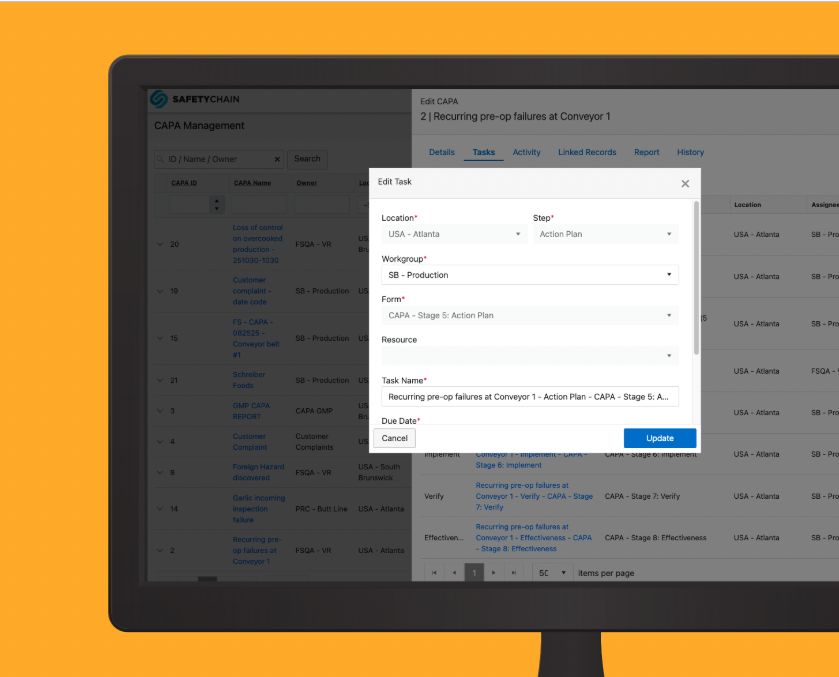
From these Types, you create Templates that reflect how your teams work. Step names, sequencing, approvals, and required activities can be customized to match your terminology and processes. Step activities are defined through Step Forms, which become the Tasks assigned when a CAPA is created.
CAPA Objects: Putting the Process Into Motion
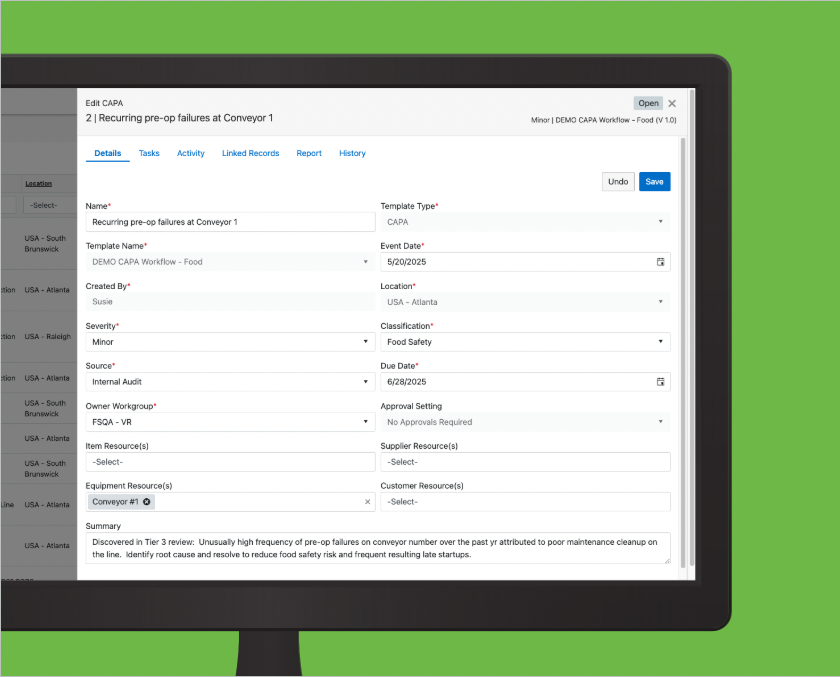
When an issue occurs, teams start a CAPA and select the appropriate Template. The resulting CAPA object carries all key details (including the source) and guides the work through the defined steps and tasks. Drafts can be saved, details can be updated as work progresses, and role-based permissions ensure the right people can act at each stage. CAPAs can be formally closed once complete or voided at any time if necessary.
Linked Records: Connected Documentation
Records submitted through tasks link automatically to the CAPA, and additional evidence can be added when needed. A central view shows all activity and associated records, with quick previews to simplify review.
Table View: Clear Visibility
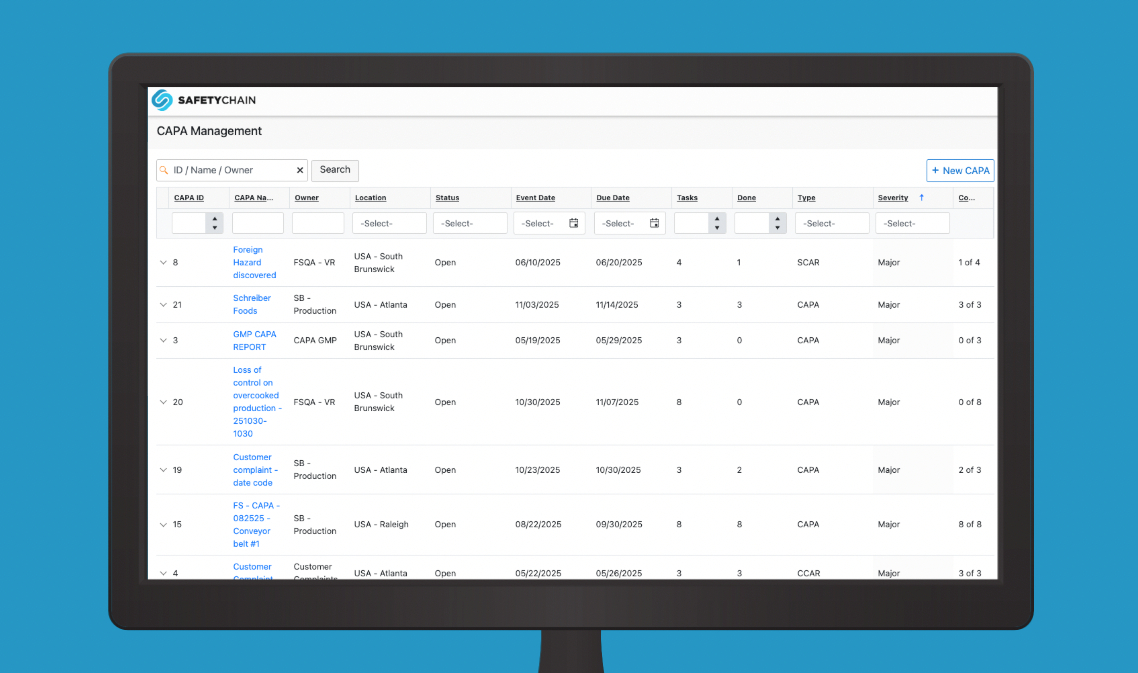
A searchable, sortable table view offers a real-time snapshot of all draft, open, closed, or voided CAPAs. Filters, reports, exports, and history logs help teams monitor progress, support audits, and stay aligned.
If you’re ready to discuss access or want to evaluate whether your facility is a good fit for early adoption, your CSM is the best place to start. We’re thrilled to share this milestone with you and look forward to supporting your first steps with CAPA Management!