- DATE:
- AUTHOR:
- The SafetyChain Team
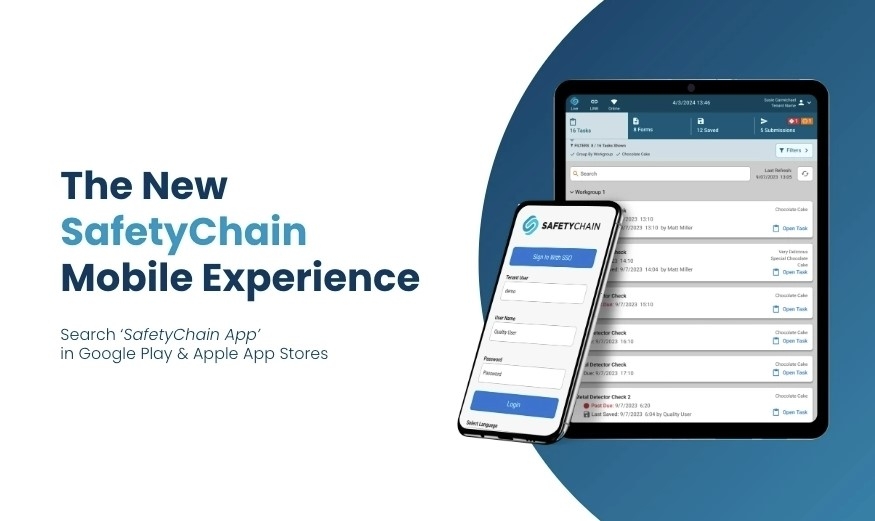
Announcing SafetyChain App Version 1.26 for Android (iOS Coming Soon)
We’re excited to announce that SafetyChain App version 1.26 is now officially available for Android! Note: We are currently finalizing the iOS version and expect to roll it out to the App Store very soon. Stay tuned to the Improvements Hub for updates!
Below are exciting enhancement updates and details on bug fixes. But first, a few important notes:
Supported Devices
To ensure a stable and secure mobile experience, we’ve updated our supported device and operating system requirements. We recommend reviewing the latest Supported Devices article in our Knowledge Base and updating your device OS when possible. Future app releases will require these minimum OS versions, and devices running older software may no longer receive updates.
Related Documents
We’ve improved how Related Documents attached to forms are retrieved. Documents are now accessed through secure API calls, delivering stronger data protection and better performance. Later this year, the legacy access method will be retired—keeping your app up to date will ensure uninterrupted access to Related Documents.
Enhancements
Improved File & Attachment Handling
Expanded File Type Support: The SafetyChain App now supports additional file types other than image attachments, including .pdf, .docx, .xlsx.
Related Documents Security: Documents linked to mobile forms are now retrieved via secure API calls, ensuring better data protection and performance.
For more information, please see the ‘Related Documents’ section above.
GS1 Scanning on Fields With Input Masks: GS1 Barcode scanning now supports identifier fields that have an input mask configured, so whether operators scan or manually enter data, the correct format is ensured.
Note: This is not currently supported for input masks containing an escaped character (with \).
Change to Saved Form/Task Behavior: Attachments on Saved Forms can now be removed prior to submission, providing more flexibility to manage your in-progress forms and ensuring a consistent experience across all our platforms.
Bug Fixes
User Interface & Experience
Scroll & Focus: Fixed an issue where the keyboard obscured input fields. Forms will now also correctly display the form header upon opening rather than jumping to the first entry field.
Camera Orientation: Resolved an issue on iOS where the capture button was hidden when using the camera in landscape mode.
Note: We are currently working on restoring landscape orientation for Android devices.
LINK Record Sign off: Fixed a bug where default zoom settings on certain mobile devices prevented users from signing off on records.
ThermoWorks UI Fixes: Fixed display issues with the Start/Stop buttons and added a manual refresh button to connection popups.
Offline Messaging: Standardized the messaging used when the app is in Offline Mode to ensure consistency throughout the app.
Saved Tab Sorting: Fixed the sorting logic on the Saved tab; A-Z and Z-A sorting now functions as expected.
Other Bug Fixes
Resolved a bug where auto-saved forms were persisting on the Saved tab even after the record was successfully created.
Improved responsiveness of Chart button on form submissions.
Resolved an issue where attaching the same file multiple times in a form could cause submission errors if one copy was deleted. Each attachment is now handled independently.
Fixed an issue where field groups managed by dependencies were not displaying correctly when reopening saved forms.
Fixed an issue where records submitted via the mobile app could not be edited on the web if non-required fields configured with input mask were left blank.
Resolved an issue where numeric fields with Field Validation allowed values outside of the required range.
Fixed an issue where the cursor would jump or reset unexpectedly while typing in Identifier fields configured with input masks containing special characters.
For any questions or feedback, please contact your Customer Success Manager or visit our Knowledge Base.
OTA: Important Fixes & Performance Improvements:
Over-the-Air updates released for Version 1.26 will be noted here. Please add this page to your bookmarks, or check back periodically for updates.