- DATE:
- AUTHOR:
- The SafetyChain Team

Filterable Date Fields
What's New
You can now filter LINK records by the date values your operators enter on a form — not just by when a record was submitted.
Turn on the new Is Filterable toggle for a date field in Form Designer, and that field becomes a filter option in LINK. From there, operators can pull up records by the date that actually matters to the work — for example, every record where Production Date is within the last month, or where Expiration Date falls on a specific day.
Filtering supports preset ranges like Today, This Week, This Month, and Last Year, plus a custom calendar picker for a single date or a date range (including future dates). Once you've applied a date filter, you can also group the grid by that date field to see records organized oldest to newest.
The setting is off by default, so nothing changes on your existing forms until you turn it on.
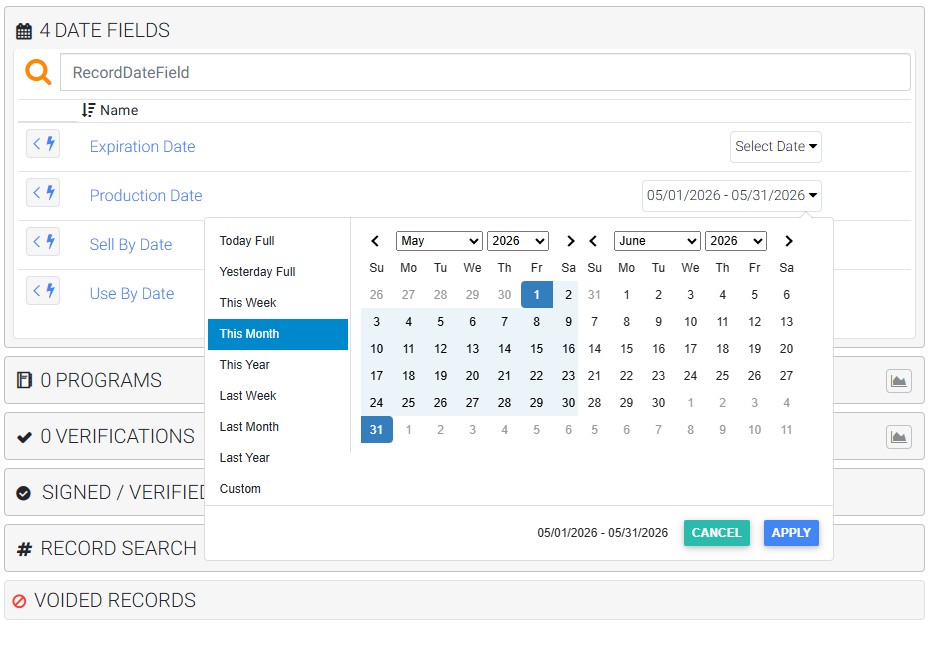
Check out this Storylane walkthrough:
Why It Matters
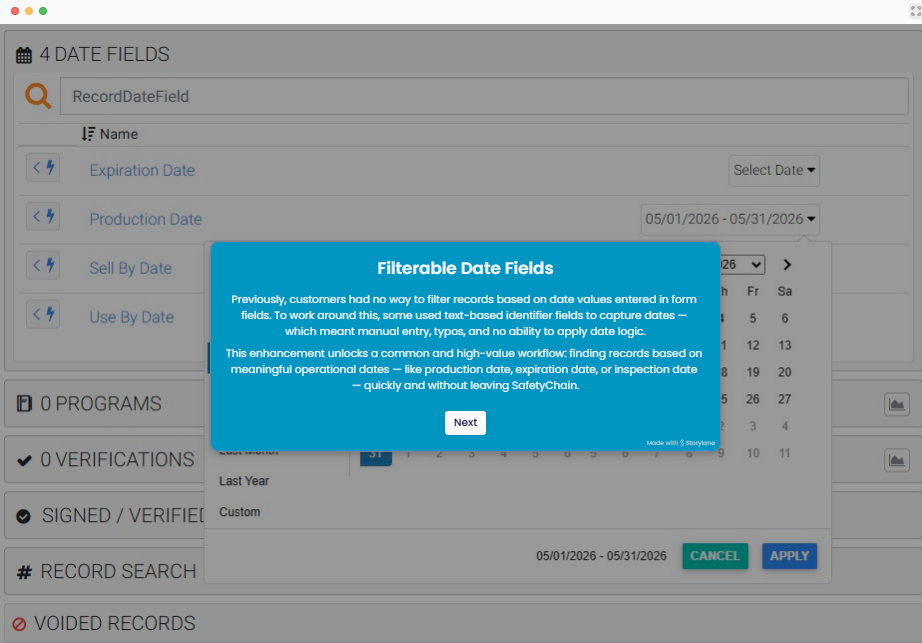
Until now, there was no way to filter records by the dates captured inside form fields. Teams worked around it — squeezing dates into text identifier fields, which meant manual entry, typos, and no real date logic — or they just couldn't filter this way at all.
This opens up a common, high-value workflow: finding records by the operational dates that drive decisions — production date, expiration date, inspection date — quickly, and without leaving SafetyChain.
A Few Things to Know
You'll need to update a form to use it. Filtering isn't retroactive — a date field only starts feeding the filter from the moment Is Filterable is turned on. Records submitted before that won't appear in date-filtered results.
Date fields only. Time and Date/Time field types aren't supported in this release.
One date field at a time. Selecting a second date field replaces the first.
A date range is required to apply the filter — you can't filter by the field label alone.
Charts aren't available while a date field filter is active — the Charts button is hidden when this filter is on.
Benefits
Filter by the real-world date an operator recorded, using preset ranges or a custom date range — no more parsing dates out of text fields.
Group your grid by a filterable date field to organize records chronologically, and save filter sets that include a date filter so you can reuse them.
Built into existing data tooling: Record Data APIs will support date-field filtering too. View the Developer Hub for more information.
Availability
Generally available starting Jul 21, 2026 — no action required to receive it. To configure it, an admin enables Is Filterable on the date fields you want to filter.