- DATE:
- AUTHOR:
- The SafetyChain Team

Enhancements to CAPA Management
What’s New
We've made several enhancements to CAPA Management that improve how teams connect, track, and act on corrective actions across the platform. From linking related CAPAs to creating them directly from a Record, these updates reduce manual steps, improve traceability, and give administrators more control over how the module is accessed and used.
Relating CAPAs
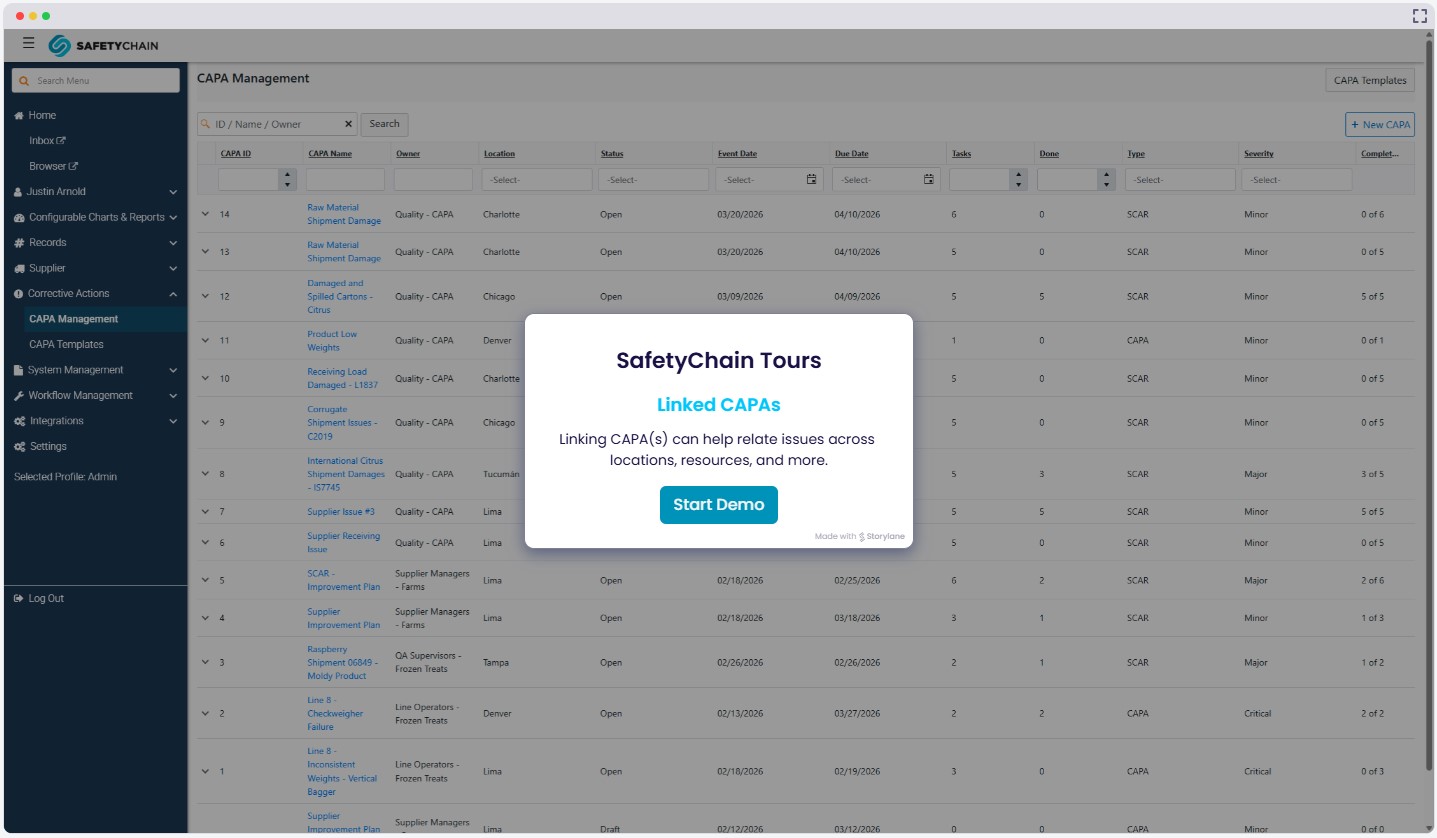
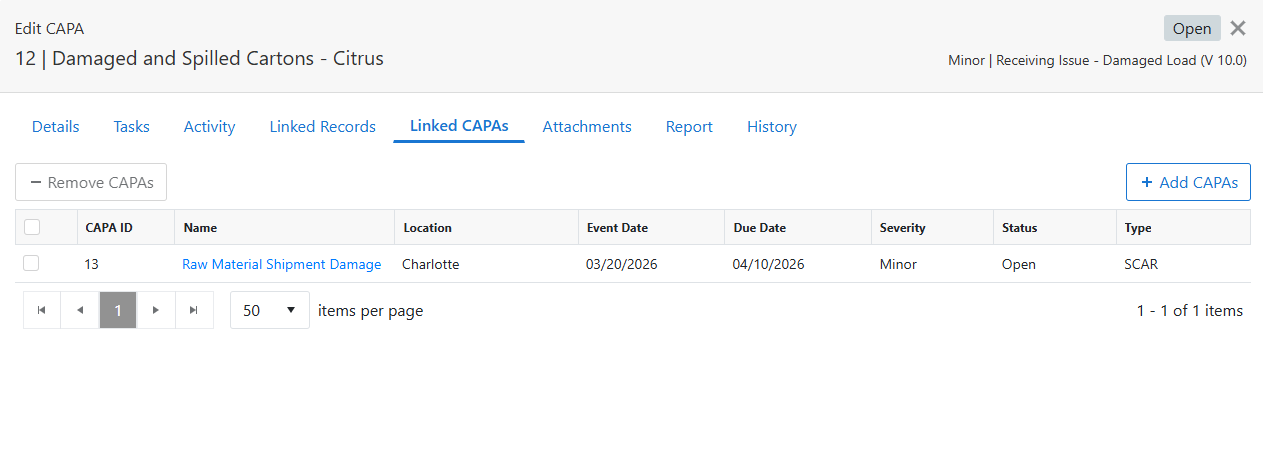
A new Linked CAPAs tab has been added to the CAPA slide-out, allowing users to link related CAPAs together. CAPAs can be linked or unlinked through a user-friendly panel and all linking activity is captured as part of the CAPA history. Linked CAPAs are also included in the CAPA Report for audit and review purposes.
Creating a new CAPA from the Record
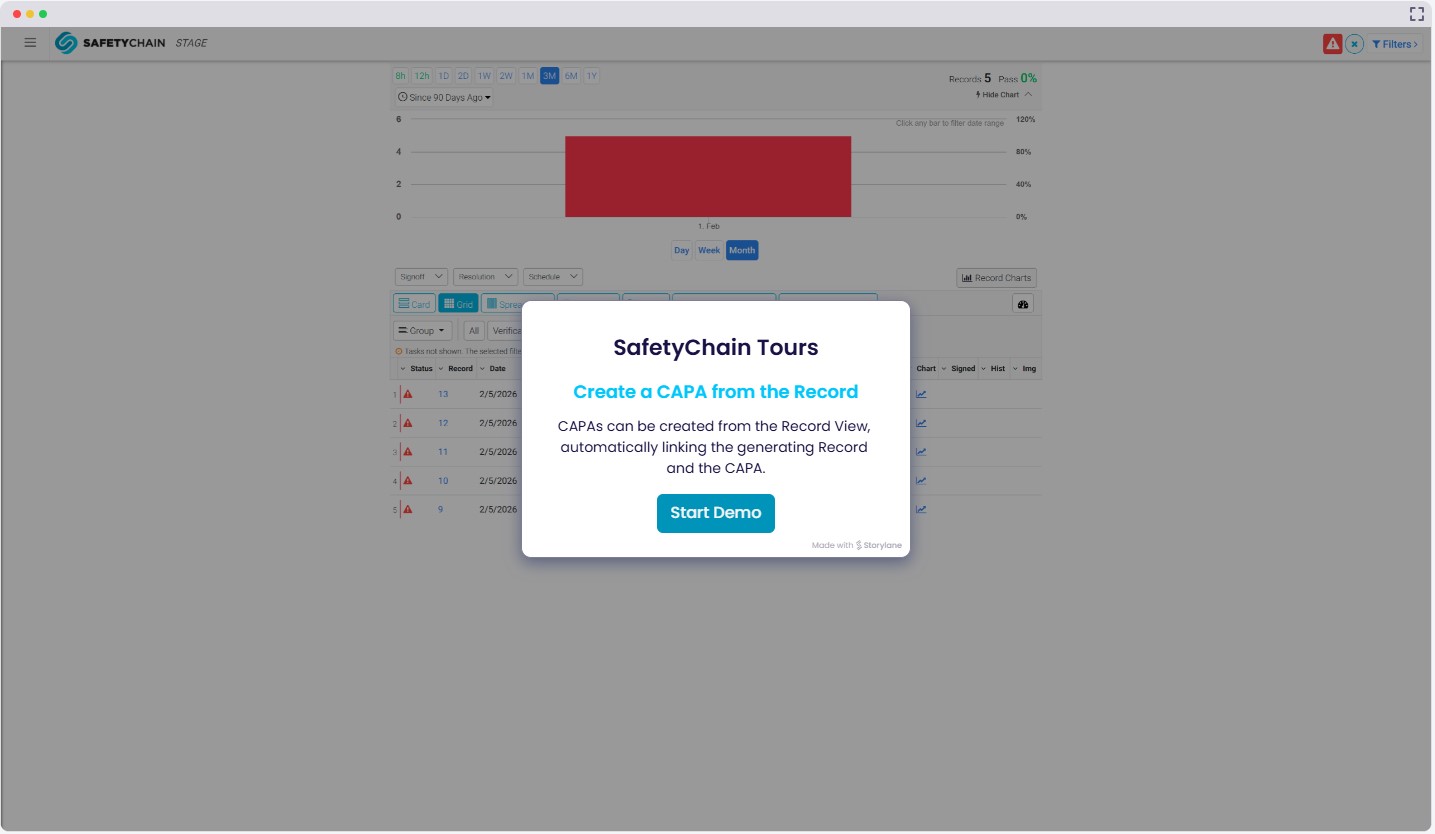
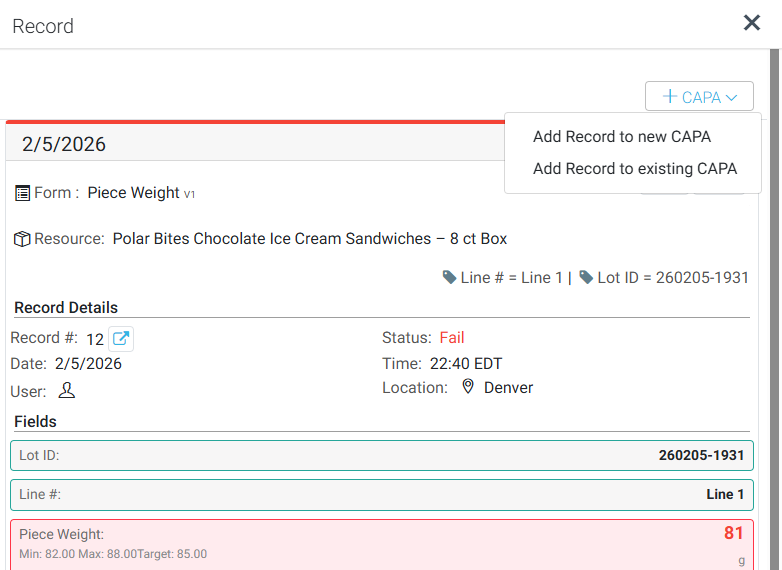
Users can now create a CAPA directly from a Record by clicking the “+ CAPA” button in the upper right corner of the Record View. When the user selects “Add Record to new CAPA”, the system redirects to CAPA Management, prepopulates CAPA details using the Record, and automatically links the Record to the new CAPA after creation for improved traceability and workflow efficiency. The Record-linking activity is captured as part of the CAPA history.
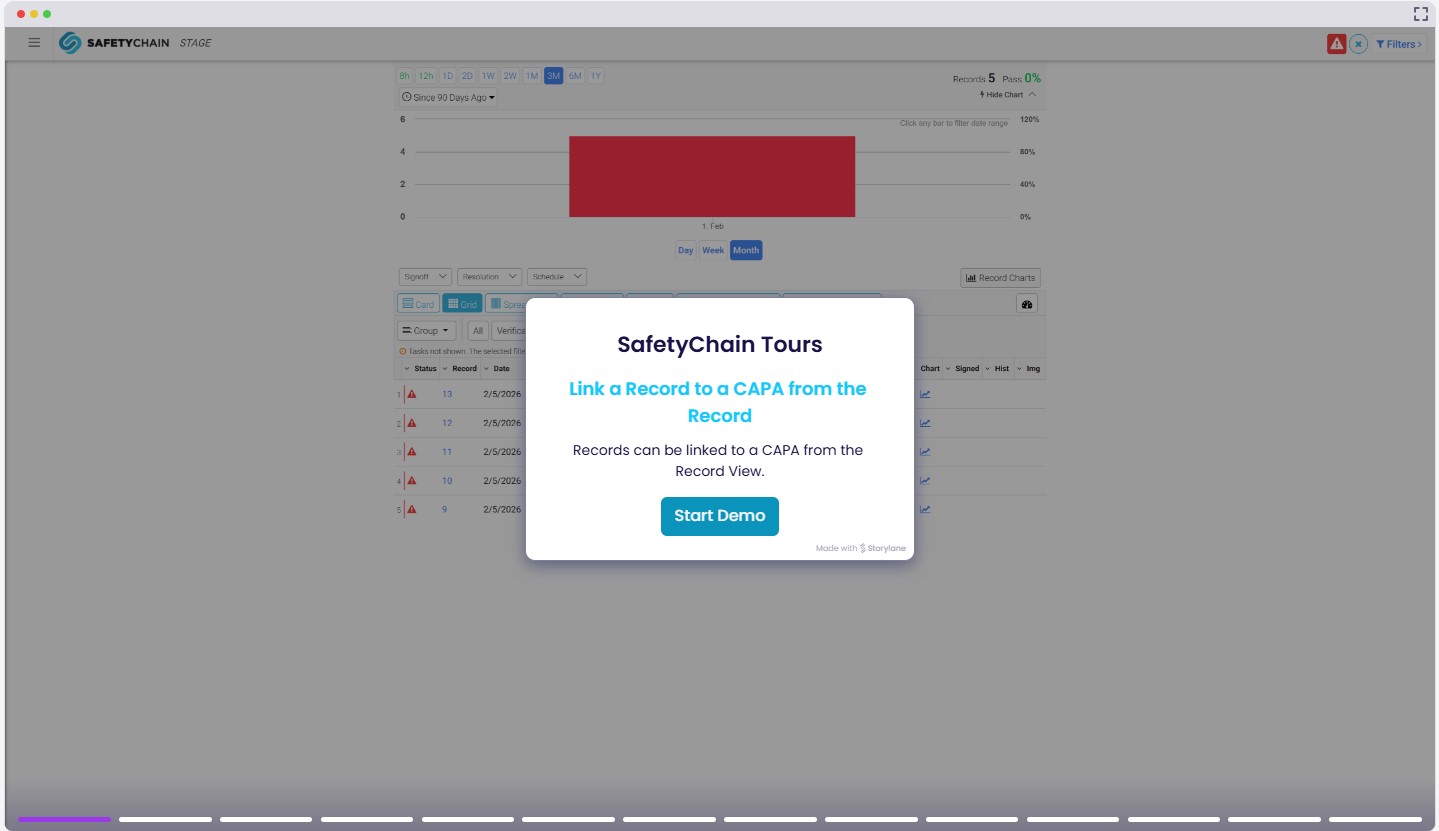
Linking a Record to a CAPA from the Record
( IdeasHub Customer Suggestion)
In addition to creating CAPAs from a Record, users can now link a Record to an existing CAPA from the Record. After clicking the “+ CAPA” button on the Record and selecting “Add Record to existing CAPA”, the system will present the user with a search-enabled dropdown containing all open CAPAs. The user can then select a CAPA to which the Record will be linked. This improvement allows users to remain in the Record context and easily associate the Record with a CAPA. The linking activity is fully tracked as part of the CAPA history.

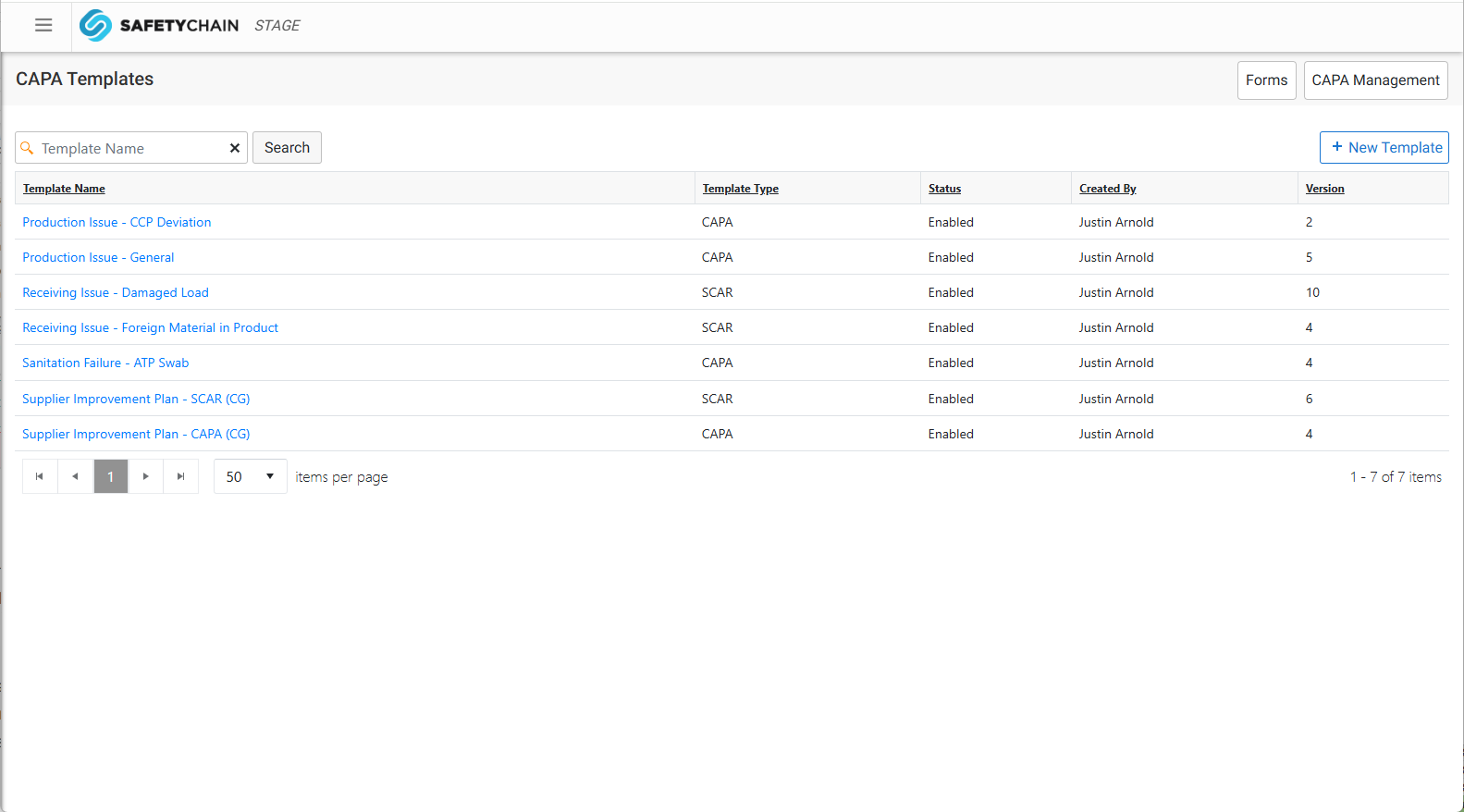
Search CAPA Templates
A new Search box has been added to the CAPA Templates page, allowing users to search Templates by Template Name. The Search field is conveniently located in the upper left of the CAPA Templates table, similar to the CAPA Management search experience.
CAPA APIs
We released the first set of public APIs for our customers. This release includes GET APIs that help customers retrieve all CAPAs and details for a specific CAPA, including Task and activity information. You can review these APIs in the SafetyChain Developer’s Hub.
New CAPA Permissions
We’ve added three new permissions to the CAPA module that control linking Records, linking CAPAs, and access to the Linked CAPAs area. Please see below for each new permission and the behavior when granted or not granted. As a reminder, the full set of CAPA permissions are included in our Knowledge Base article, CAPA Permissions.
Permission: Link / Unlink Records with the CAPA
Granted: The + Add Records and - Remove Records buttons are enabled in the Linked Records tab, allowing Records to be linked and unlinked.
Not Granted: The + Add Records and - Remove Records buttons are not displayed.
Permission: Access to Linked CAPAs
Granted: Users can view the CAPA slide-out > Linked CAPAs tab.
Not Granted: Access to the Linked CAPAs tab is restricted.
Permission: Link / Unlink CAPAs with the CAPA
Granted: The + Add CAPAs and - Remove CAPAs buttons are enabled in the Linked CAPAs tab, allowing CAPAs to be linked and unlinked.
Not Granted: The + Add CAPAs and - Remove CAPAs buttons are not displayed.
Benefits
Every link, creation, and association is automatically captured in the CAPA history — giving you a complete audit trail without any extra documentation effort.
Linked CAPAs and Records surface related context in one place, so teams reviewing corrective actions during audits have everything they need without hunting through separate records.
Creating or linking a CAPA directly from a Record eliminates the need to switch contexts, re-enter information, or manually cross-reference — cutting steps out of workflows that teams run every day.
Searching CAPA Templates by name means less scrolling and faster access, especially as your template library grows.
New granular permissions give administrators precise control over who can link Records and CAPAs, keeping workflows structured and access appropriate.
Availability
These enhancements are available beginning March 31 and are available to all current CAPA Limited Availability customers. If you're ready to discuss access or want to evaluate whether your facility is a good fit for early adoption, your CSM is the best place to start. We're thrilled to share this milestone with you and look forward to supporting your first steps with CAPA Management!